Trading From Your Phone: What Works, What Doesn't, and a Simple Mobile Routine
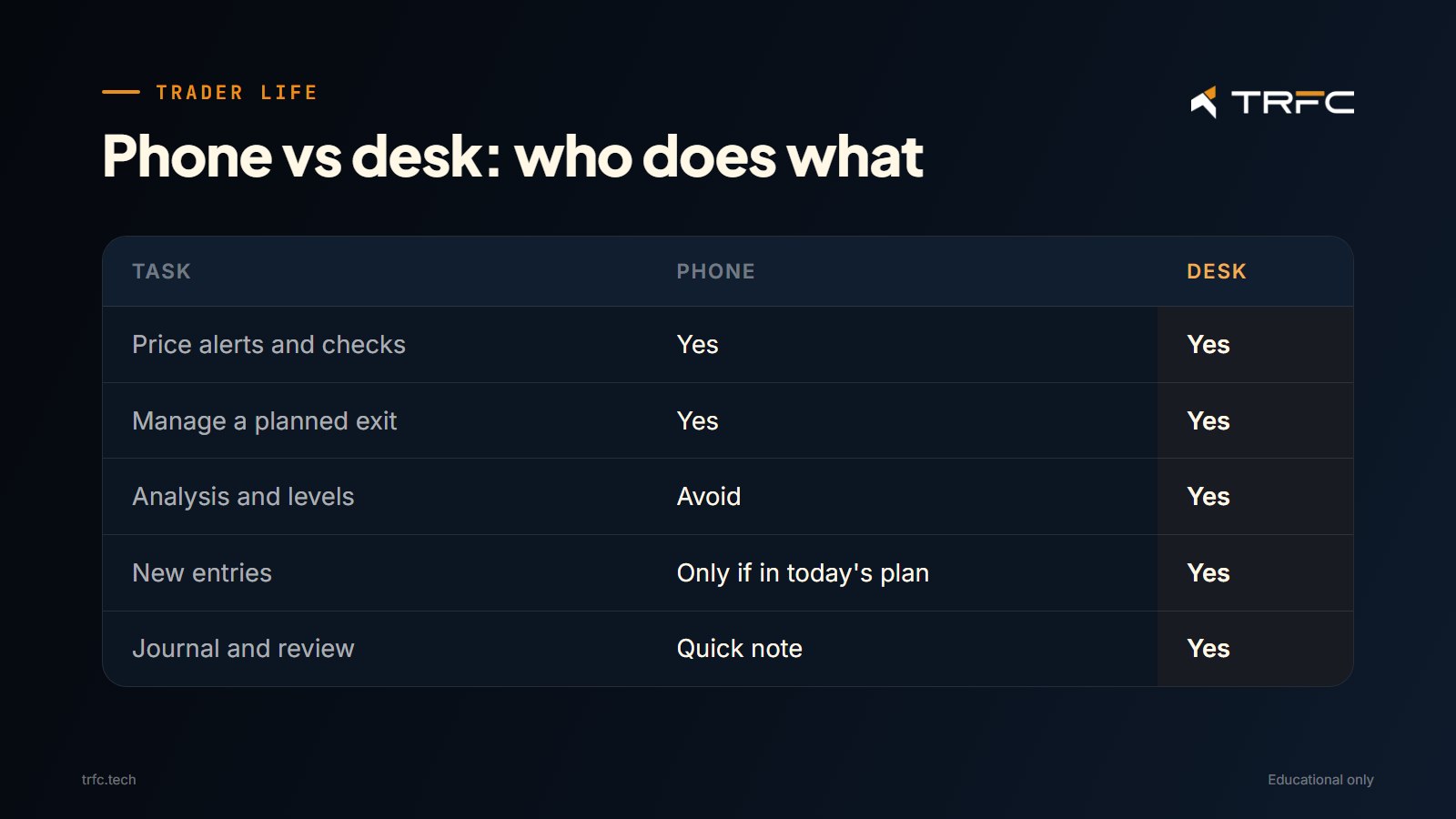
You can manage a trading account from your phone, but most traders do their best work when the phone is for checking and managing, and the desk is for planning and new entries. A small screen makes it easy to miss context, mistype size and trade out of boredom. Here is what works on mobile, what doesn't, and a simple routine for traders who are often away from their desk.
Why the phone is so tempting
For many traders in Malaysia and the region, the phone is the only screen available for most of the day: on the LRT, between meetings, in the queue for lunch. Markets are open, the app is in your pocket, and a quick look turns into a quick trade. The problem is not the phone itself. It is that a phone removes the friction that normally makes you stop and think.
What works well on a phone
- Checking open trades and alerts. Price alerts at the levels you planned at your desk are the best use of mobile.
- Managing a trade you already planned. Moving a stop to the level you wrote down earlier, or closing at your planned exit.
- Checking your daily loss allowance. A quick look at how much room is left before your daily limit.
- Reading the calendar. Seeing which high-impact events fall inside your session.
What usually goes wrong
- New entries from a tiny chart. On a phone you see less history, fewer levels and no higher timeframe at a glance.
- Size mistakes. One extra zero in a lot field is easy to type and expensive to fix.
- Boredom trades. Opening the app to "just look" at a red light is how overtrading starts. If that sounds familiar, read why you're overtrading.
- Distracted management. Closing a trade half-way through a conversation, then wondering why.
A simple mobile routine
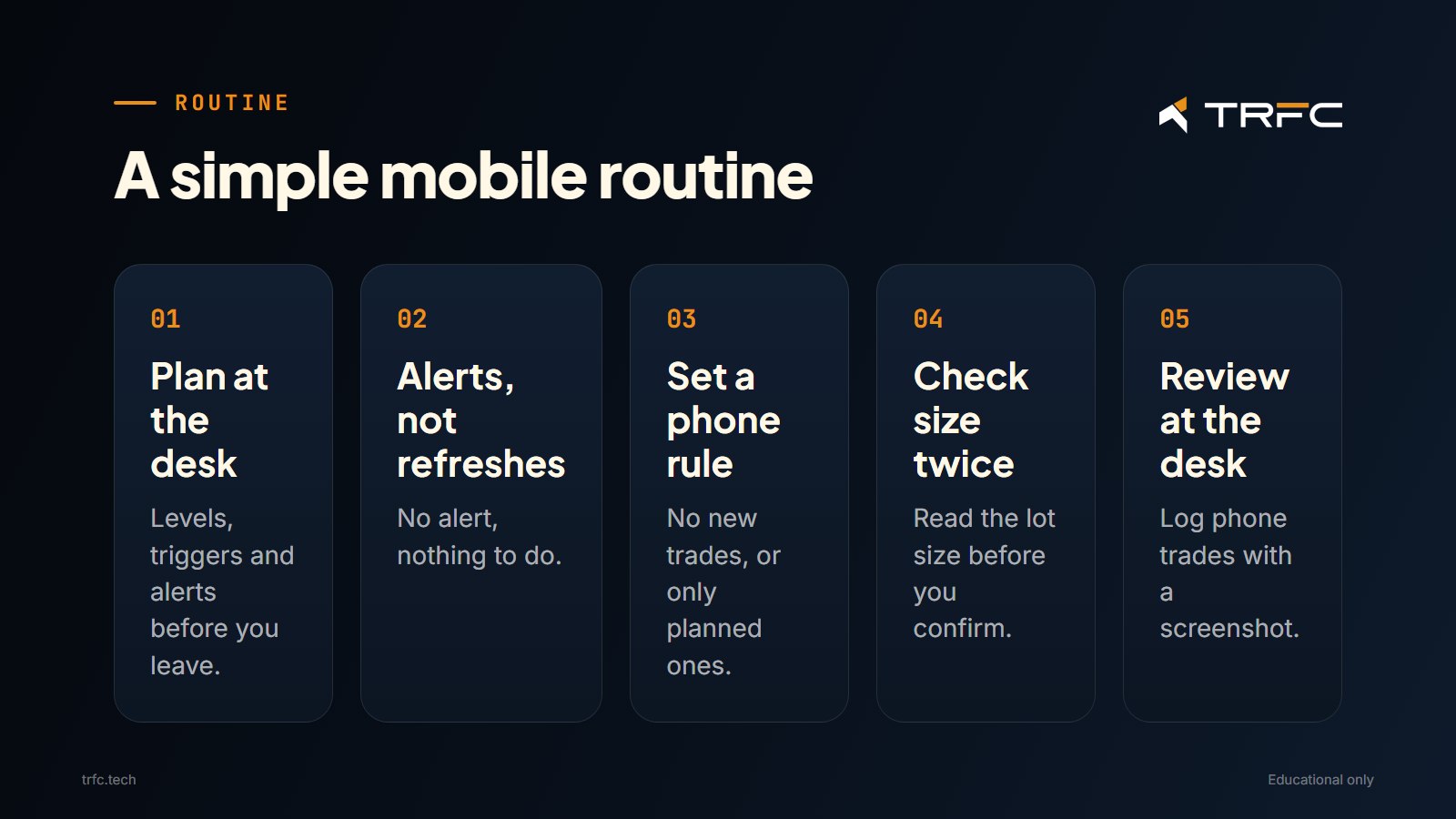
1. Plan at the desk, before you leave
Ten minutes in the morning or the night before: mark your levels, write down what would make you take a trade and what would cancel the idea, and set price alerts at those levels. A weekly trading plan makes this quicker.
2. Use alerts, not refreshes
Turn off the habit of opening the chart "to see". Let alerts tell you when something you planned is happening. If no alert fires, there is nothing to do.
3. Give yourself a phone rule
Many traders use one simple rule: no new trades from the phone, or only trades already written in today's plan. Pick one and write it on the first page of your journal.
4. Double-check size every time
Before you confirm anything on mobile, read the lot size out loud in your head. It sounds silly. It saves accounts.
5. Review at the desk
At the end of the day, log anything you did on the phone in your journal, with a screenshot. Over a few weeks, compare your phone trades to your desk trades. The numbers usually settle the debate.
Prop rules make this more important
On a prop account, one rushed mobile trade can do outsized damage. Daily drawdown counts open trades in real time, so a trade you forget about while you are busy keeps using your daily allowance. At TRFC, daily limits reset at 5:00 am MYT/SGT, and there is a 3-minute minimum hold, which also rules out quick in-and-out taps. With no time limit on any TRFC plan, there is no reason to force a trade from a bus seat: the next setup will come when you are back at your desk.
Small setup tips
- Use your broker or platform app's biometric lock so a pocket tap can't open an order screen.
- Keep only one or two watchlists on the phone: the instruments in today's plan.
- Turn on notifications for alerts and fills only, not news headlines.
- Carry a small power bank. A phone dying with an open trade is a stressful way to learn this.
Practise your routine without pressure first: TRFC offers a free 30-day trial. When you're ready, compare TRFC challenges.
Educational only, not investment advice. TRFC evaluations use simulated accounts.